♻️ Ready-made apps
Skip the blank page — start from a real app
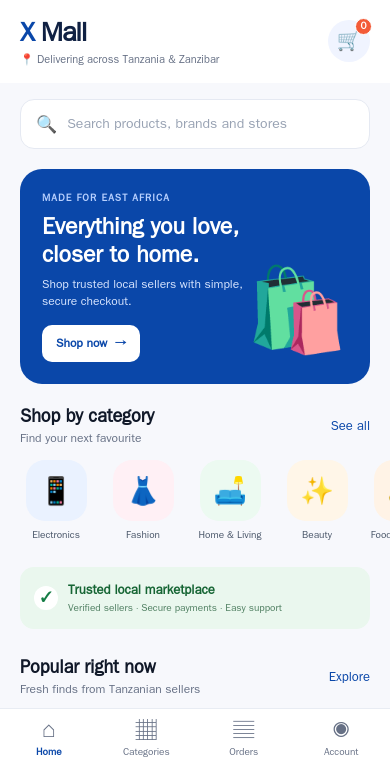
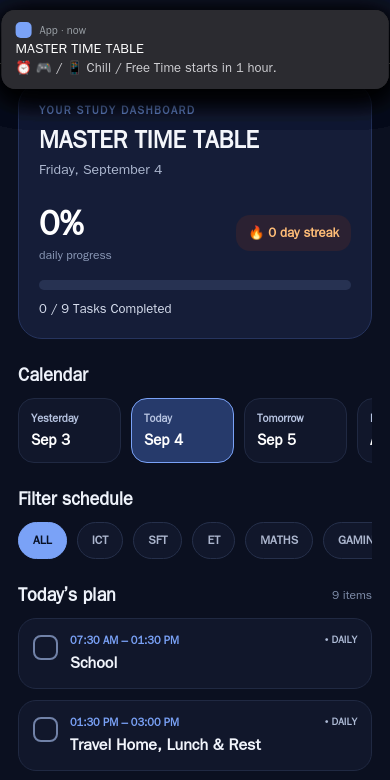
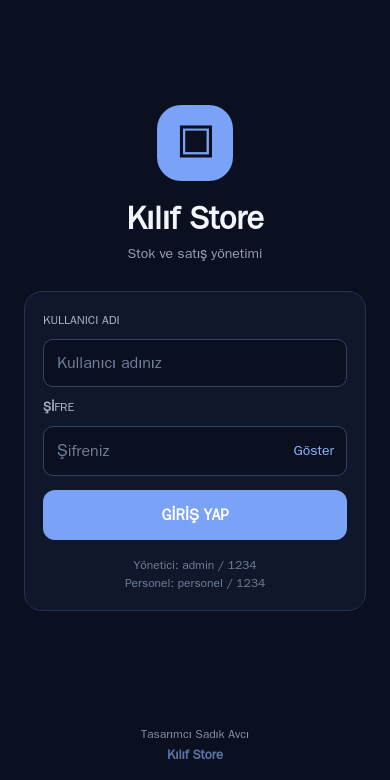
3 apps built on the platform, running for real. Pick one, sign in, and it’s yours in seconds.
Describe what should happen and the agent writes a real TypeScript workflow — shown as a visual flow you can follow node by node. Run it in one click, inspect every step’s input and output, and get results as webpages, reports or images.
Runs in your browser · nothing to install · no credit card to start
Every workflow renders as an n8n-style diagram: triggers, steps, conditions, loops. What you see is exactly what runs.
The diagram is generated from real TypeScript the agent writes — readable, editable, portable. No proprietary node format.
Summarize, classify, extract, draft — put an AI step anywhere in the flow and chain its output into the next step.
Every run records each step’s inputs, outputs and timing. When something is off, you see exactly where and why.
Results render as webpages, markdown reports, images or video — not just a JSON blob.
Workflows run in your account and stay yours. They can execute on our servers, so your laptop doesn’t need to stay open.
“Fetch my feed, keep the important items, summarize them into a morning report.” The agent designs the flow.
The generated workflow appears as a diagram — reorder, refine or ask for changes before anything runs.
One click runs it. Watch each node light up, and open any step to see what went in and what came out.
The result renders as a webpage or report you can read, share or feed into the next workflow.
Pull from feeds or APIs, filter what matters, and produce a readable morning summary.
Give it a topic; the workflow gathers, distills and writes up findings as a structured report.
Draft, refine and format content in stages, with an AI step and a review step where you want them.
Fetch, clean, reshape and summarize data that would otherwise eat your afternoon.
What each kind of app needs, the prompt to give the agent, and how to ship it.
No-code automation: an AI agent builds a scheduled workflow that reads Gmail or IMAP mail, summarizes threads with AI and sends a digest to Telegram or email.
Schedule an AI agent workflow that pulls yesterday's orders from any API, totals them and sends a written summary to email, Telegram or Slack, no code needed.
Build an AI agent workflow that answers Telegram or WhatsApp Business messages from your FAQ, hands hot leads to a human and logs every chat, without coding.
3 apps built on the platform, running for real. Pick one, sign in, and it’s yours in seconds.