♻️ Ready-made apps
Skip the blank page — start from a real app
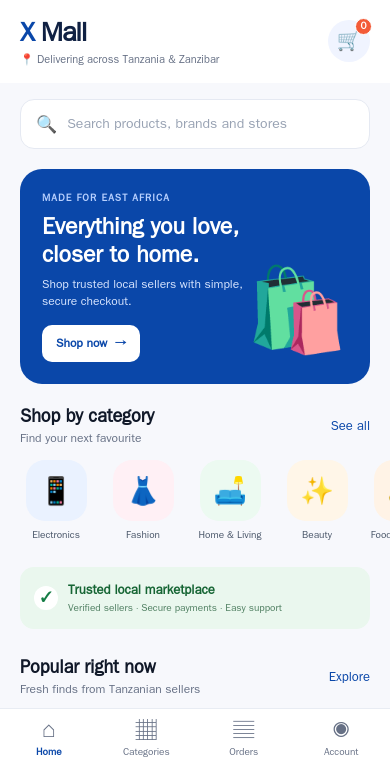
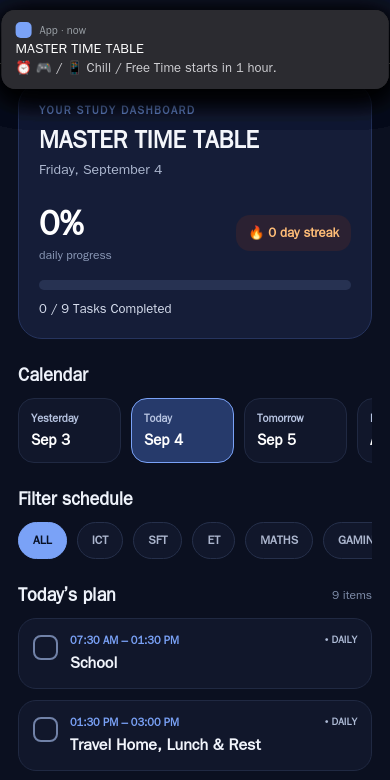
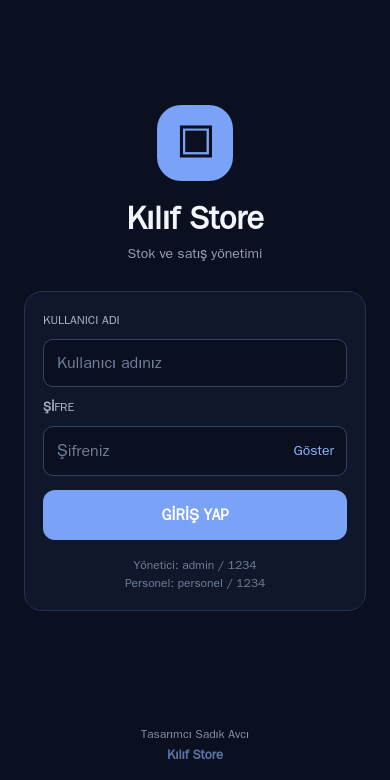
3 apps built on the platform, running for real. Pick one, sign in, and it’s yours in seconds.
Describe your app, watch it run in a live preview, then ask for the APK. A real Android package builds on our servers with the native toolchain — release-signed, carrying your app’s name and icon — and lands in the chat as a download.
Runs in your browser · nothing to install · no credit card to start
Your APK is compiled with Gradle and the React Native or Flutter build chain — the same tools professional Android teams use. It is not a website wrapped in a shell.
Every APK is signed with a persistent release key. Installing a new build updates the app in place — no uninstall/reinstall cycle for your users.
The APK carries your app’s display name and launcher icon — generate an icon from the app’s name or upload your own; the file you download is named after your app.
Ask the agent to build and a live card shows progress and the estimated time, then the download button. Previous builds stay available.
No Android Studio, no SDKs, no environment variables. Everything — editing, preview, and the native build — happens from your browser.
If your app uses a database or API, the installed APK talks to the same hosted backend as the preview. Nothing to reconfigure.
Plain English in the chat. The agent writes a real React Native or Flutter app and shows it running on a live phone preview.
Ask for changes in the same chat — screens, colors, features, data. The preview updates as the code changes.
“Give me the APK.” The build runs server-side on the real toolchain; a card in the chat shows live progress and the estimated time.
Download, open the file on your phone, allow the install. Android shows its standard prompt for apps from outside Google Play — that’s normal for every sideloaded APK.
Distribute to your team directly — no store review, no developer account, updates whenever you ship.
Put an MVP in testers’ hands today and iterate from their feedback tomorrow.
Purpose-built apps for counters, warehouses or events, installed straight onto the hardware.
Send a client an installable preview of their app instead of a slide deck.
What each kind of app needs, the prompt to give the agent, and how to ship it.
Andromo builds content apps from templates in a no-code editor. App Builder Agent writes a custom Android app from your description, with a free APK download to start.
AppsGeyser makes free Android apps from templates or a website; App Builder Agent writes a custom React Native app from your description. Facts, strengths, who fits.
Kodular builds Android apps with drag-and-drop components and logic blocks; App Builder Agent writes the app's code from a plain-English description. Facts and fit.
An honest answer: App Builder Agent builds Android APK and AAB files; iPhone needs the exported React Native or Flutter source, a Mac or cloud Mac, and Apple's $99 program.
A WebView wrapper, a PWA, or a real app rebuilt from your site by an AI agent: what each gives you, the Google Play minimum functionality risk, and which route to pick.
The Google Play checklist for 2026: the $25 developer account, identity checks, the 12-tester closed test, the AAB requirement, Data safety, privacy policy and review times.
3 apps built on the platform, running for real. Pick one, sign in, and it’s yours in seconds.